How to Select Filter Media for High-Temperature Air
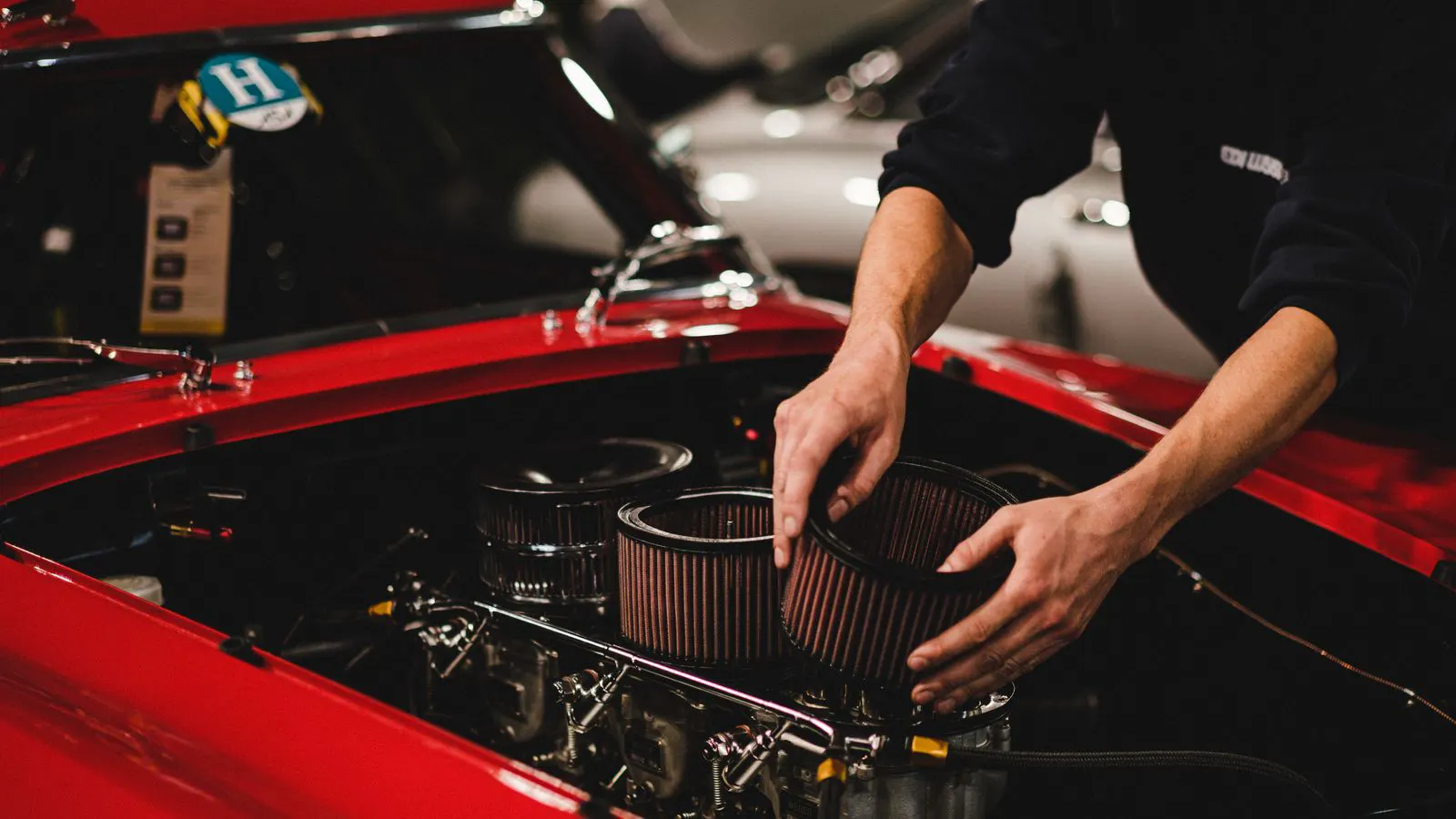
Engineers must match filter media to process heat levels by verifying thermal ratings, fiber composition, and construction. This guide outlines a step-by-step selection process for heat resistant filters, covering prerequisites, material trade-offs, and final verification to ensure reliable industrial performance.
- Verify the maximum continuous operating temperature, not just peak temperature, before selecting media.
- Match fiber type to process conditions; glass fiber handles heat better than cellulose, but requires a different frame.
- Check construction integrity, as high temperatures can weaken adhesive bonds and frame materials.
- Perform a final verification step by testing a sample under simulated process conditions.
- Document the selection rationale and thermal data for future maintenance and replacement.
Prerequisites: Define the Heat Profile Before Choosing Media
Before selecting high temperature air filter media, you must know the exact thermal profile of the process air. This means recording the maximum continuous operating temperature, the duration of peak heat exposure, and any cyclic variations. A filter rated for 250°C continuous service is not the same as a filter rated for 300°C peak service for ten minutes.
Gather the following data from the process engineer or plant operations team:
- Maximum continuous air temperature in the filtration zone.
- Peak temperature spikes, including duration and frequency.
- Humidity level in the air stream, as moisture affects thermal degradation.
- Presence of particulates, oils, or chemicals that may accelerate heat-related damage.
- Air velocity through the filter, which influences local heat generation.
Without this data, selection becomes guesswork. Many engineers skip this step and rely on manufacturer brochures that list single temperature points. That approach fails in real plant environments where heat profiles are dynamic.
Step 1: Identify the Material Class Based on Temperature Threshold
The first practical step in thermal rating selection is to map the temperature data to a material class. Different fiber and substrate materials have distinct thermal limits.
| Material Class | Typical Continuous Range | Common Applications | Key Limitation |
|---|---|---|---|
| Cellulose / Paper | Up to 120°C | Low-heat HVAC, clean rooms | Melts or degrades above 150°C |
| Glass Fiber | Up to 250°C | Industrial ovens, furnace air | Brittle; requires reinforced frames |
| Ceramic Fiber | Up to 800°C | High-heat industrial processes | Expensive; poor mechanical strength |
| Metal Mesh | Up to 1000°C+ | Extreme heat, abrasive air | Low filtration efficiency for fine particles |
If your continuous temperature exceeds 150°C, cellulose is out. If it exceeds 250°C, you need glass fiber or ceramic composite. Above 800°C, metal mesh or ceramic-only media are the only viable options. Note that the table lists general ranges. Always confirm specific ratings with the manufacturer for your exact model.
Step 2: Account for Peak Temperature Spikes
Continuous ratings do not tell the whole story. A process may run at 200°C continuously but spike to 350°C for two minutes during startup or purge cycles. High temperature air filter media must withstand these spikes without cracking, delaminating, or losing structural integrity.
Check the manufacturer’s datasheet for “peak temperature” or “short-term exposure” ratings. If the datasheet only lists continuous ratings, ask the supplier directly. Many glass fiber filters can handle short spikes 50-100°C above their continuous rating, but this is not universal.
In practice, a 250°C continuous glass fiber filter may fail if exposed to 350°C spikes every hour for years. The thermal stress causes the binder to weaken and the pleats to collapse. For processes with frequent spikes, select a media with a higher continuous rating or a construction that isolates the media from direct heat exposure.
Step 3: Evaluate Frame and Housing Compatibility
Media selection does not end with the fiber. The frame, adhesive, and housing must match the thermal rating of the media. A heat resistant filter with a 300°C media rating but a 150°C adhesive bond will fail at 200°C.
Check the following components:
- Frame material: Aluminum frames limit service to about 150-200°C. Steel frames handle higher temperatures but may rust if the air stream is humid.
- Adhesive: Most standard adhesives fail above 150°C. High-temperature filters use silicone or epoxy-based adhesives rated for higher heat.
- Housing: The housing must not warp, crack, or release volatile compounds at process temperatures.
- Gaskets: Standard rubber gaskets melt. High-temperature installations use silicone, PTFE, or metal gaskets.
A common mistake is buying premium media and installing it in a standard aluminum housing. The media survives, but the housing deforms, creating leaks that bypass the filtration path. The filter appears to work, but the air quality drops.
Step 4: Consider Filtration Efficiency vs. Thermal Degradation
Thermal stress reduces filtration efficiency over time. Even if the media does not melt, heat can cause pleats to relax, fibers to swell, and pores to open. A filter rated at MERV 13 or equivalent may degrade to MERV 8 performance after months of high-temperature service.
When selecting high temperature air filter media, ask:
- What is the initial filtration efficiency at the rated temperature?
- How does efficiency change after 1000 hours of continuous service at maximum temperature?
- Does the manufacturer provide thermal aging data?
If the process requires stable efficiency, choose a media with a higher initial efficiency margin. This means starting with a finer grade than the minimum requirement. The extra initial efficiency acts as a buffer against thermal degradation. For example, if the process needs 90% capture, select a media rated for 95-98% initial capture.
Step 5: Match Media to Particulate and Chemical Load
Heat and particulates interact. Abrasive particles, metal dust, or chemical vapors accelerate thermal degradation. A glass fiber filter in a clean, dry air stream lasts longer than the same filter in a stream with silica dust or acidic vapors.
Review the particulate profile:
- Particle size: Fine particles (<10 microns) load the media faster and generate more heat during filtration.
- Particle type: Abrasive particles (sand, metal shavings) cut fibers and create weak points.
- Chemicals: Oils, solvents, or acids can soften binders and reduce thermal resistance.
If the air stream contains aggressive particulates, select a media with a denser fiber structure or a pre-filter stage. A pre-filter catches coarse particles before they reach the high-temperature media, extending its service life. This is a common solution in metal processing and ceramic kiln applications.
Step 6: Verify Construction and Pleat Density
Pleat density affects both pressure drop and thermal behavior. High-density pleats increase filtration area but can trap heat. Low-density pleats allow better air flow but have less surface area per unit volume.
For high-temperature applications, moderate pleat density often works best. Very dense pleats can create hot spots where air velocity is low and heat accumulates. Very open pleats may not provide sufficient filtration depth.
Check the following:
- Pleat height: Deeper pleats provide more media length but increase pressure drop.
- Media thickness: Thicker media handles heat better but increases pressure drop.
- Frame reinforcement: High-temperature filters often need wire mesh reinforcement to prevent pleat collapse.
In practice, a filter with moderate pleat density and reinforced frames outperforms a high-density filter in sustained heat exposure. The key is balancing filtration depth with thermal dissipation.
Step 7: Request a Thermal Aging Sample
The final step in thermal rating selection is verification. Do not rely solely on datasheet claims. Request a sample of the proposed media and housing, and test it under simulated process conditions.
Test parameters should include:
- Temperature: Match the maximum continuous and peak temperatures.
- Duration: Run the sample for at least 100 hours to detect slow degradation.
- Particulate load: Introduce representative dust or oil if applicable.
- Air velocity: Match the plant air flow rate.
After testing, measure:
- Filtration efficiency at the start and end of the test.
- Pressure drop across the filter.
- Physical inspection: Check for pleat collapse, fiber melting, adhesive failure, or frame warping.
A 10% drop in efficiency after 100 hours of high-temperature exposure is a red flag. A 5% drop is acceptable for many industrial applications. If the sample fails, return to Step 1 and select a higher-rated material or construction.
Common Mistakes in High-Temperature Media Selection
Engineers make several predictable errors when selecting heat resistant filters.
- Ignoring peak temperatures: Selecting based on continuous rating only, then failing during startup spikes.
- Underestimating humidity effects: Moisture accelerates adhesive degradation and can cause condensation inside the housing at temperature changes.
- Mismatched frames: Using standard aluminum frames with high-temperature media, leading to housing deformation.
- No pre-filter: Sending abrasive particles directly to the high-temperature media, causing rapid fiber damage.
- Skipping thermal aging tests: Installing based on brochure data without verifying performance under real conditions.
Each of these mistakes leads to premature failure, unplanned downtime, or bypass of the filtration path.
Final Verification Step
Before commissioning the new filter, perform a final verification step that confirms the installation matches the selection process.
- Confirm the installed media matches the selected thermal rating and material class.
- Verify the housing and frame are rated for the process temperature.
- Check that gaskets and seals are heat-resistant.
- Confirm air flow direction and velocity match the design.
- Record the installation date, media batch number, and thermal data for maintenance logs.
This documentation is critical. When the filter needs replacement, the next engineer will use this record to repeat the selection process correctly. Without it, the team may default to a standard filter that fails under heat.
The selection of high temperature air filter media is a process of matching material limits to thermal reality. By following these steps, engineers can avoid the most common failures and select a filter that performs reliably under sustained heat exposure.
Frequently asked questions
Can I use a standard MERV 13 filter for high-temperature industrial air?
No. Standard MERV 13 filters typically use cellulose or synthetic media rated for low heat. They will degrade, melt, or collapse at temperatures above 150°C. You need media specifically rated for high-temperature service.
What is the difference between continuous and peak temperature ratings for filter media?
Continuous rating is the maximum temperature the media can withstand indefinitely. Peak rating is the maximum temperature for a short, defined duration. A filter may handle a 300°C peak for one hour but only 250°C continuously.
Do high-temperature filters have a different service life than standard filters?
Yes. High-temperature filters generally have a shorter service life due to thermal degradation of binders and fibers. The service life depends on the temperature, particulate load, and air velocity. Always check the manufacturer's thermal aging data.
Can I use a higher-rated filter than my process temperature requires?
Yes, but it increases cost and may raise pressure drop. A filter rated for 500°C in a 150°C process will work, but you pay for unused thermal margin. Match the rating to the actual heat profile with a small safety buffer.
How do I know if a filter is degrading from heat?
Monitor pressure drop and filtration efficiency. A rising pressure drop at constant air flow indicates loading. A drop in efficiency at constant pressure drop indicates fiber damage or pleat collapse. Visual inspection during replacement will confirm thermal degradation.